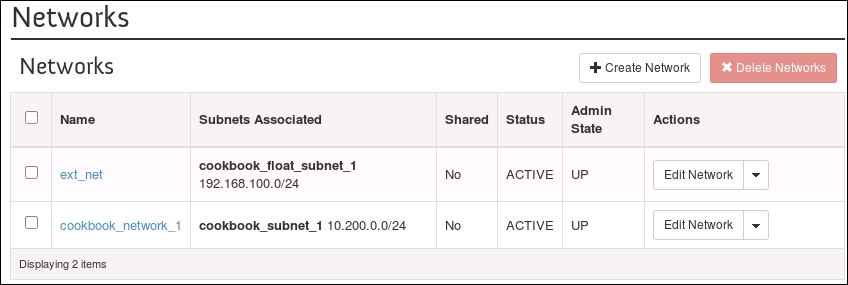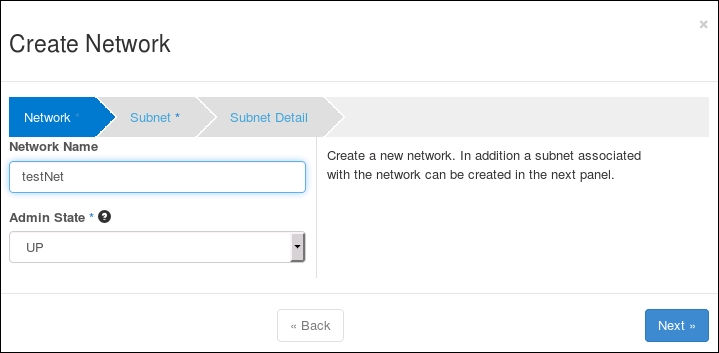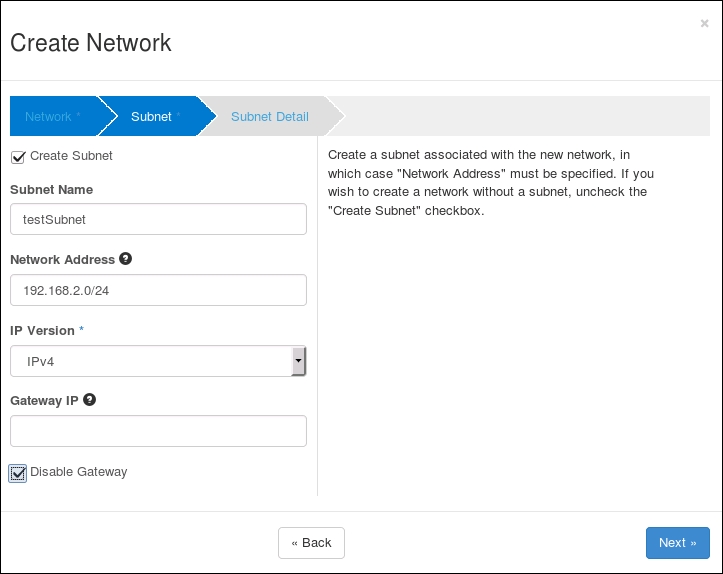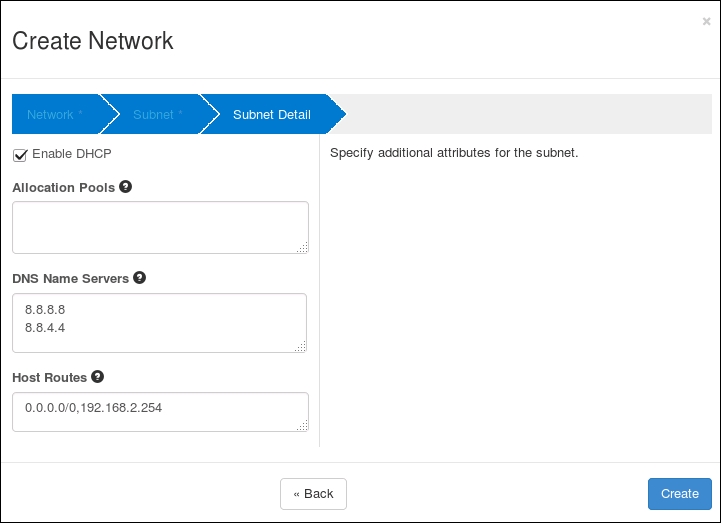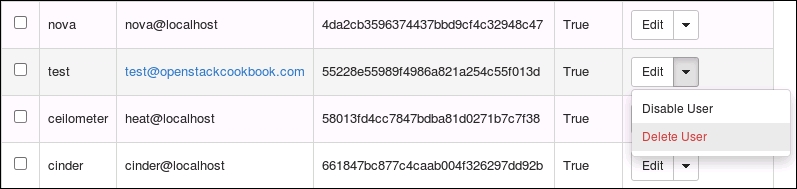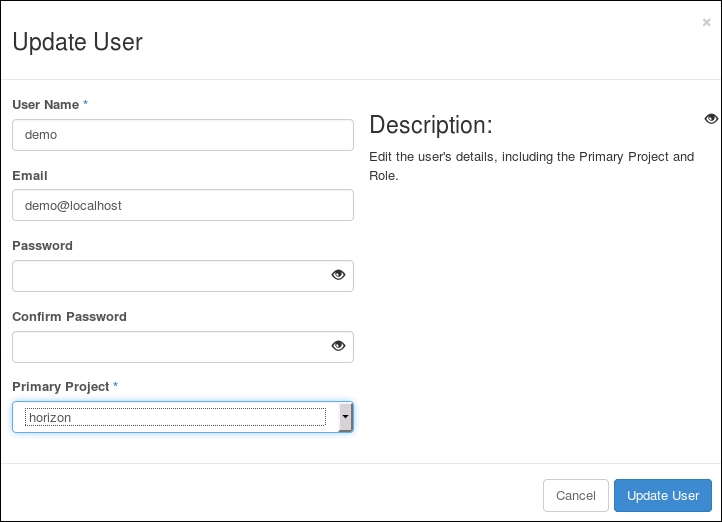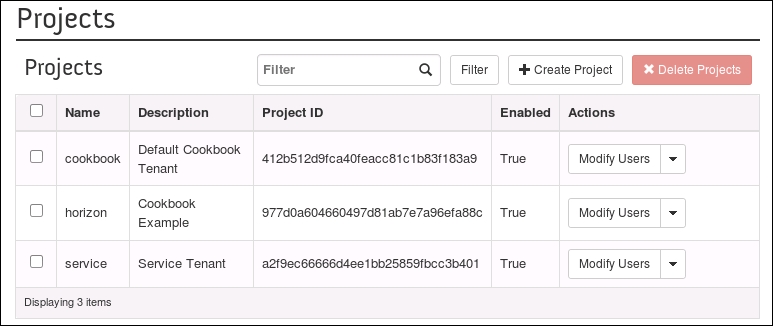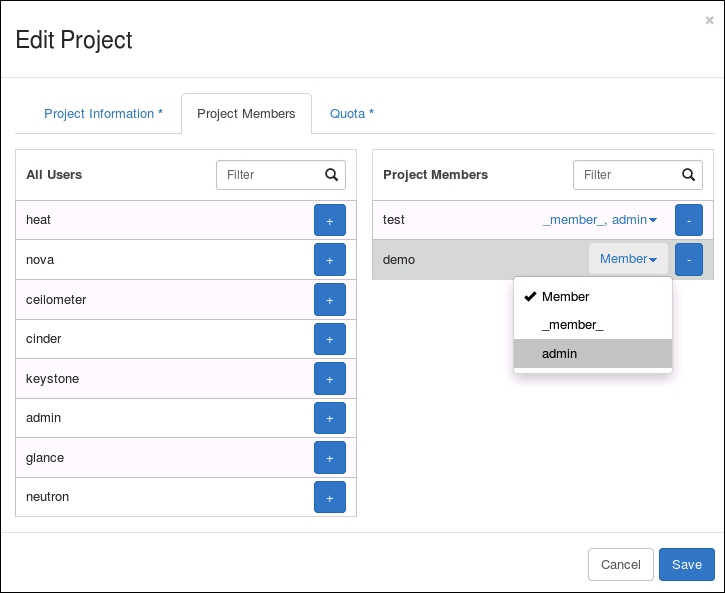

Contents
-
1: Keystone – OpenStack Identity Service
-
Chapter 1: Keystone – OpenStack Identity Service
-
Introduction
-
Installing the OpenStack Identity Service
-
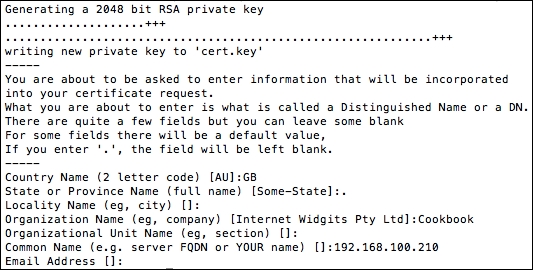
Configuring OpenStack Identity for SSL communication
-
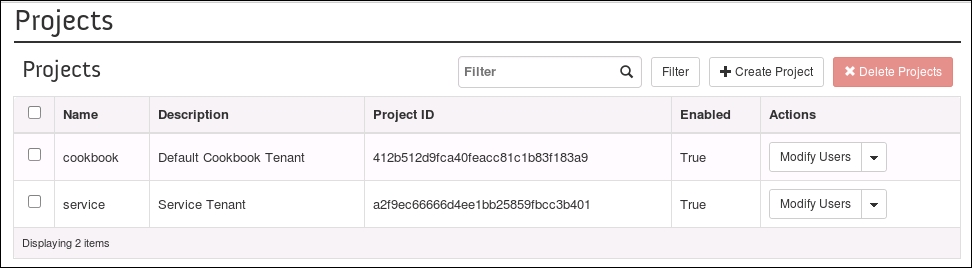
Creating tenants in Keystone
-
Configuring roles in Keystone
-
Adding users to Keystone
-
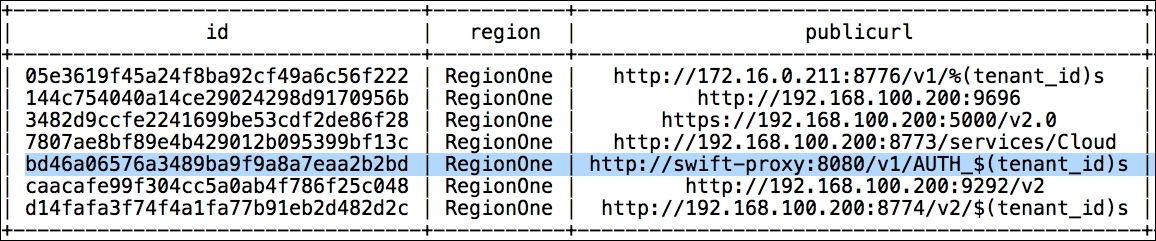
Defining service endpoints
-
Creating the service tenant and service users
-
Configuring OpenStack Identity for LDAP Integration
-
-
2: Glance – OpenStack Image Service
-
Chapter 2: Glance – OpenStack Image Service
-
Introduction
-
Installing OpenStack Image Service
-
Configuring OpenStack Image Service with OpenStack Identity Service
-
Configuring OpenStack Image Service with OpenStack Object Storage
-
Managing images with OpenStack Image Service
-
Registering a remotely stored image
-
Sharing images among tenants
-
Viewing shared images
-
Using image metadata
-
Migrating a VMware image
-
Creating an OpenStack image
-
-
3: Neutron – OpenStack Networking
-
Chapter 3: Neutron – OpenStack Networking
-
Introduction
-
Installing Neutron and Open vSwitch on a dedicated network node
-
Configuring Neutron and Open vSwitch
-
Installing and configuring the Neutron API service
-
Creating a tenant Neutron network
-
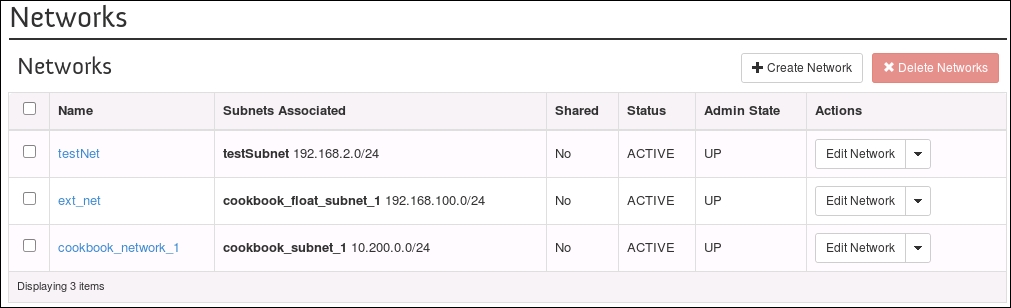
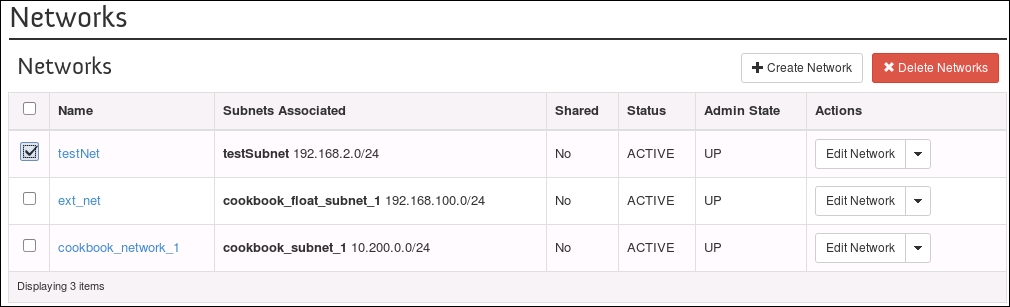
Deleting a Neutron network
-
Creating an external floating IP Neutron network
-
Using Neutron networks for different purposes
-
Configuring Distributed Virtual Routers
-
Using Distributed Virtual Routers
-
-
4: Nova – OpenStack Compute
-
Chapter 4: Nova – OpenStack Compute
-
Introduction
-
Installing OpenStack Compute controller services
-
Installing OpenStack Compute packages
-
Configuring database services
-
Configuring OpenStack Compute
-
Configuring OpenStack Compute with OpenStack Identity Service
-
Stopping and starting nova services
-
Installation of command-line tools on Ubuntu
-
Using the command-line tools with HTTPS
-
Checking OpenStack Compute services
-
Using OpenStack Compute
-
Managing security groups
-
Creating and managing key pairs
-
Launching our first cloud instance
-
Fixing a broken instance deployment
-
Terminating your instances
-
Using live migration
-
Working with nova-schedulers
-
Creating flavors
-
Defining host aggregates
-
Launching instances in specific Availability Zones
-
Launching instances on specific Compute hosts
-
Removing Nova nodes from a cluster
-
-
5: Swift – OpenStack Object Storage
-
Chapter 5: Swift – OpenStack Object Storage
-
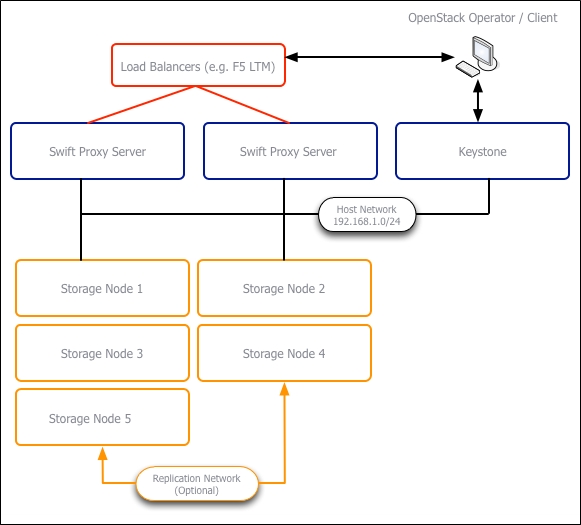
Introduction
-
Configuring Swift services and users in Keystone
-
Installing OpenStack Object Storage services proxy server
-
Configuring OpenStack Object Storage proxy server
-
Installing OpenStack Object Storage services storage nodes
-
Configuring physical storage for use with Swift
-
Configuring Object Storage replication
-
Configuring OpenStack Object Storage storage services
-
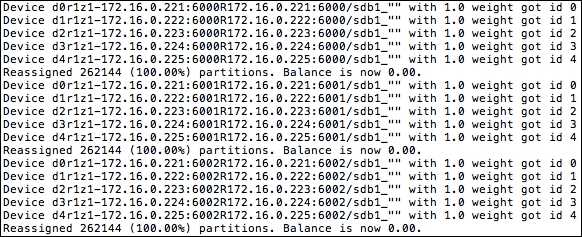
Making the Object Storage rings
-
Stopping and starting OpenStack Object Storage
-
Setting up SSL access
-
-
6: Using OpenStack Object Storage
-
Chapter 6: Using OpenStack Object Storage
-
Introduction
-
Installing the swift client tool
-
Creating containers
-
Uploading objects
-
Uploading large objects
-
Listing containers and objects
-
Downloading objects
-
Deleting containers and objects
-
Using OpenStack Object Storage ACLs
-
Using Container Synchronization between two Swift Clusters
-
-
7: Administering OpenStack Object Storage
-
8: Cinder – OpenStack Block Storage
-
Chapter 8: Cinder – OpenStack Block Storage
-
Introduction
-
Configuring Cinder-volume services
-
Configuring OpenStack Compute for Cinder-volume
-
Creating volumes
-
Attaching volumes to an instance
-
Detaching volumes from an instance
-
Deleting volumes
-
Configuring third-party volume services
-
Working with Cinder snapshots
-
Booting from volumes
-
-
9: More OpenStack
-
Chapter 9: More OpenStack
-
Introduction
-
Using cloud-init to run post-installation commands
-
Using cloud-config to run the post-installation configuration
-
Installing OpenStack Telemetry
-
Using OpenStack Telemetry to interrogate usage statistics
-
Installing Neutron LBaaS
-
Using Neutron LBaaS
-
Configuring Neutron FWaaS
-
Using Neutron FWaaS
-
Installing the Heat OpenStack Orchestration service
-
Using Heat to spin up instances
-
-
10: Using the OpenStack Dashboard
-
Chapter 10: Using the OpenStack Dashboard
-
Introduction
-
Installing OpenStack Dashboard
-
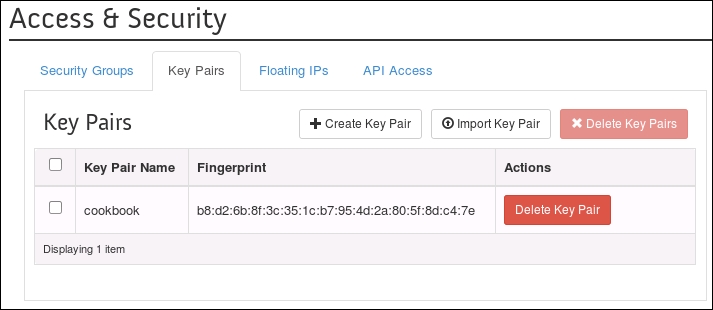
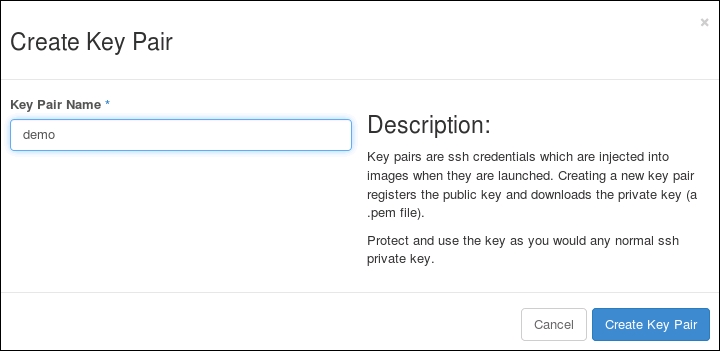
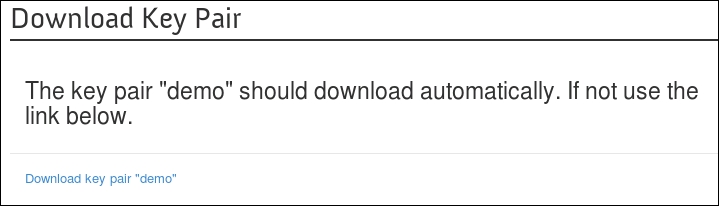
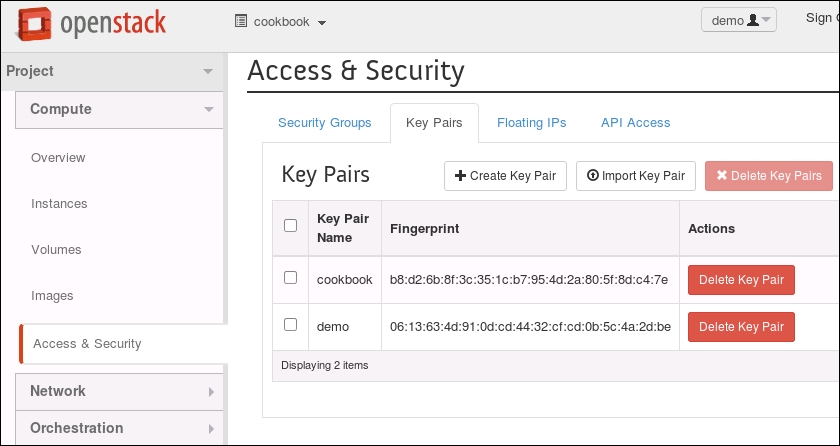
Using OpenStack Dashboard for key management
-
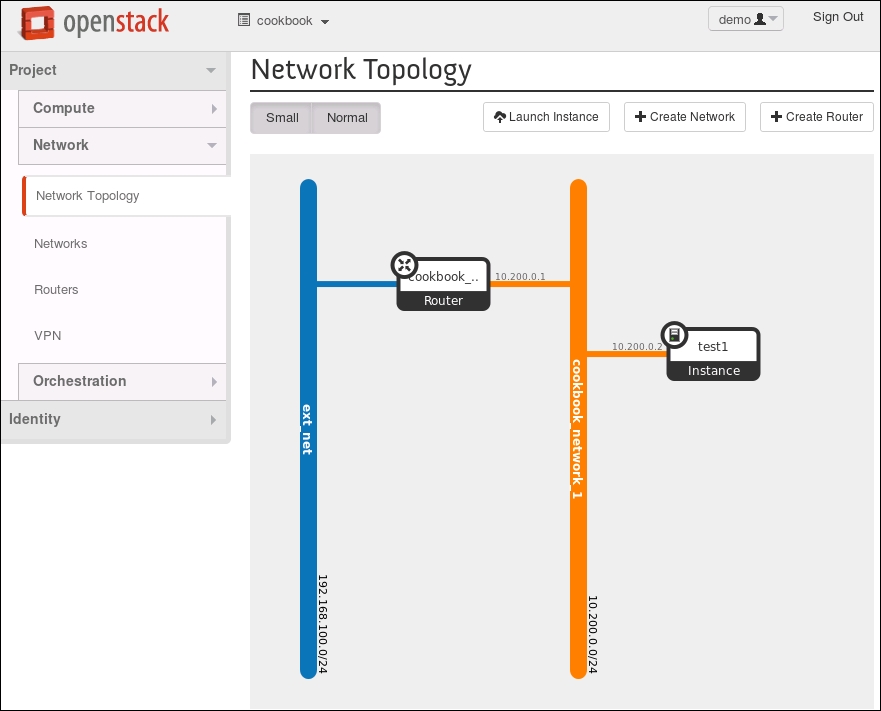
Using OpenStack Dashboard to manage Neutron networks
-
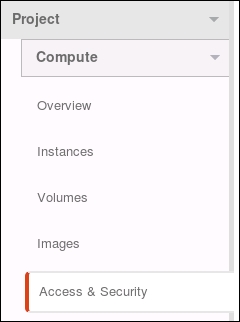
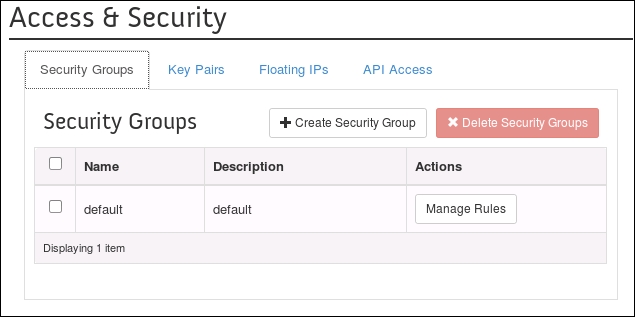
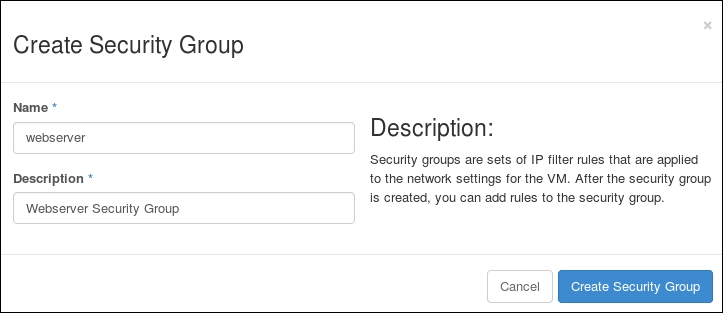
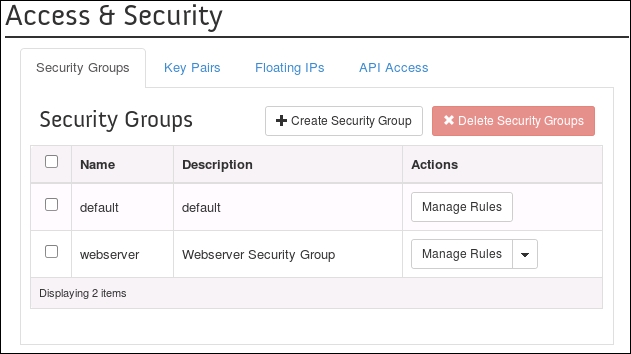
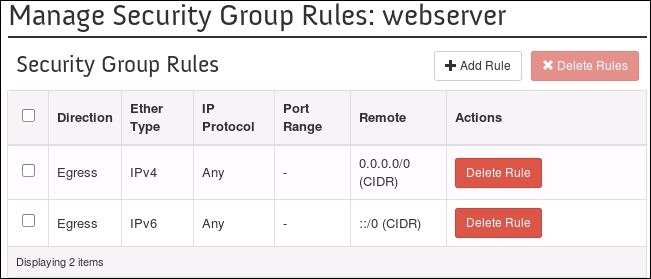
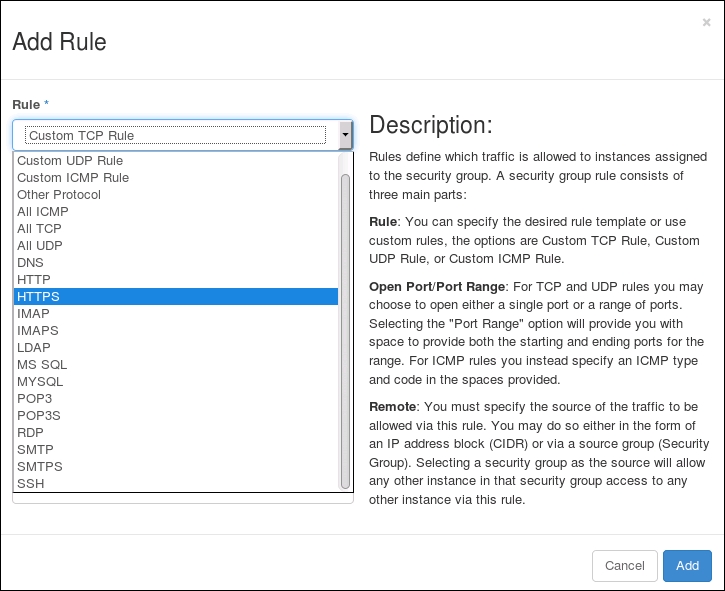
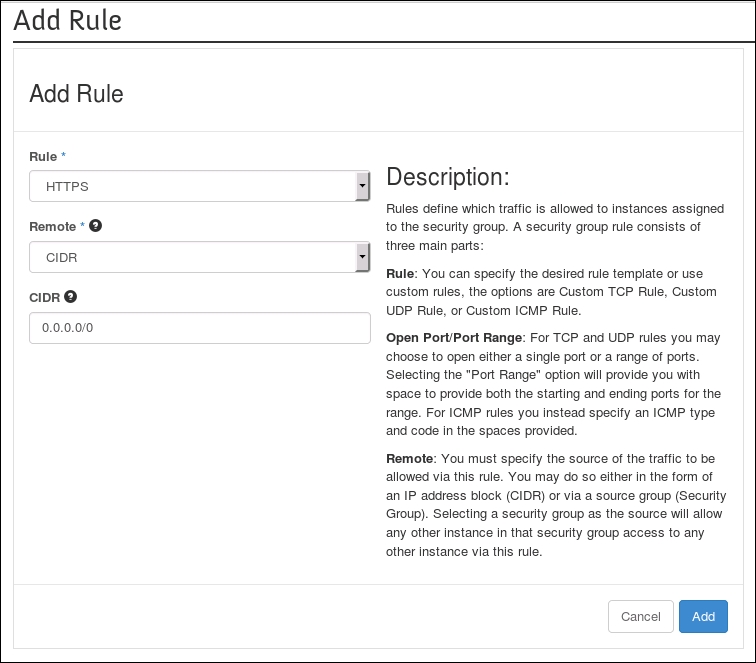
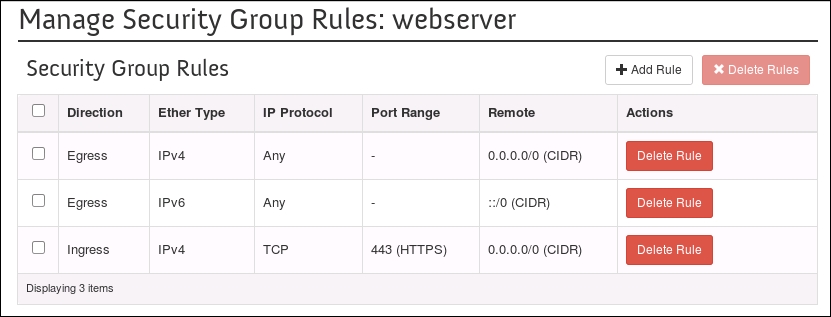
Using OpenStack Dashboard for security group management
-
Using OpenStack Dashboard to launch instances
-
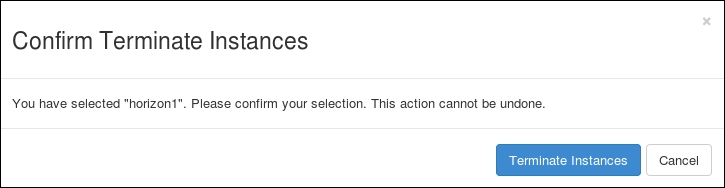
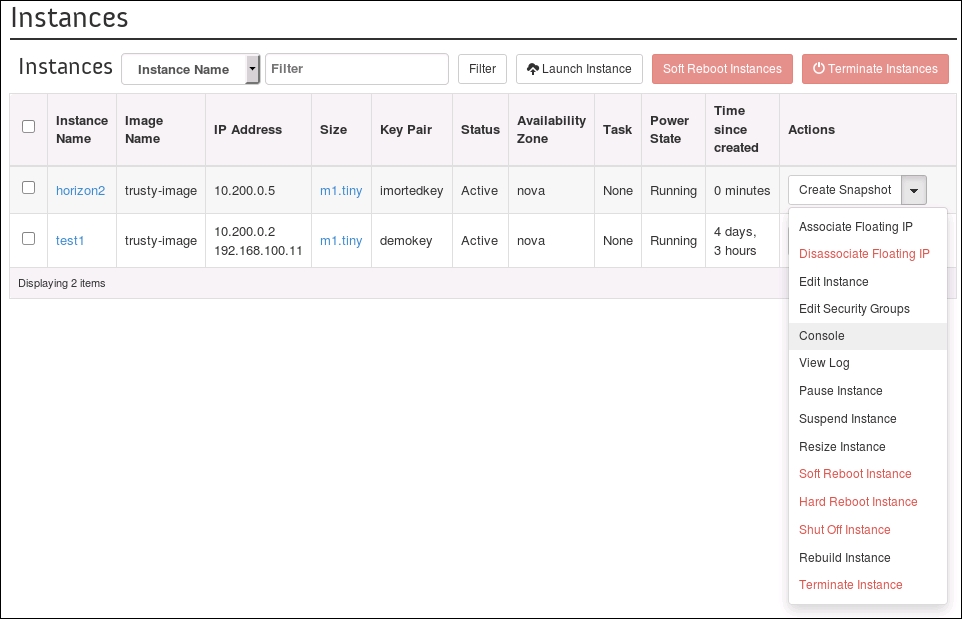
Using OpenStack Dashboard to terminate instances
-
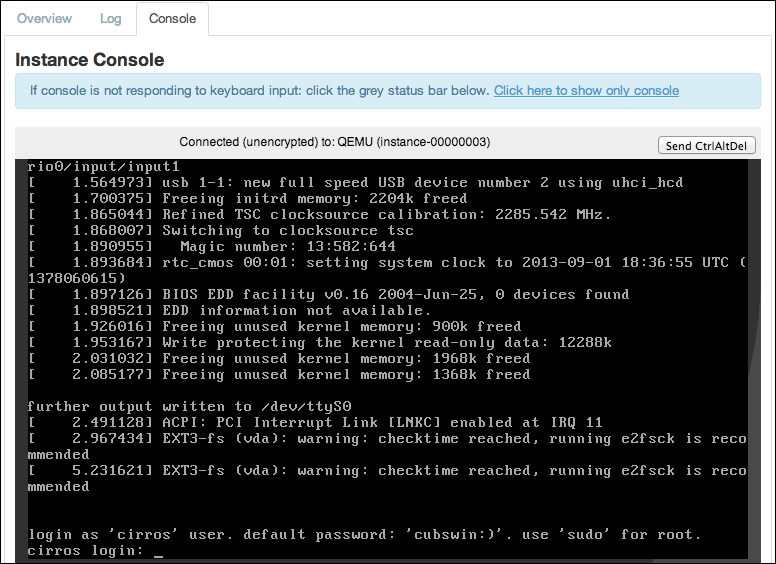
Using OpenStack Dashboard to connect to instances using a VNC
-
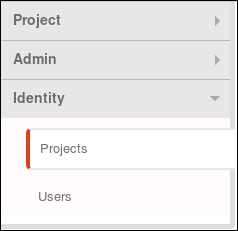
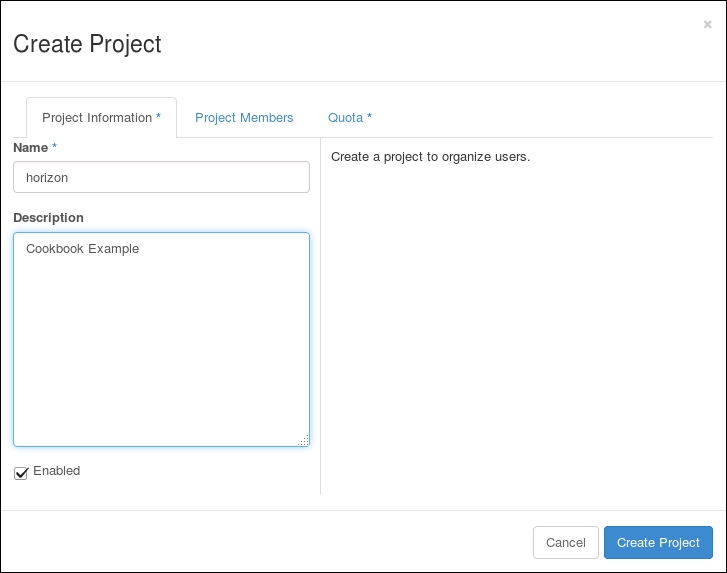
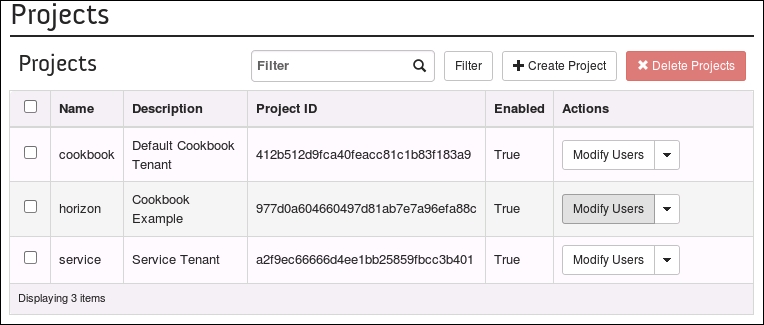
Using OpenStack Dashboard to add new tenants projects
-
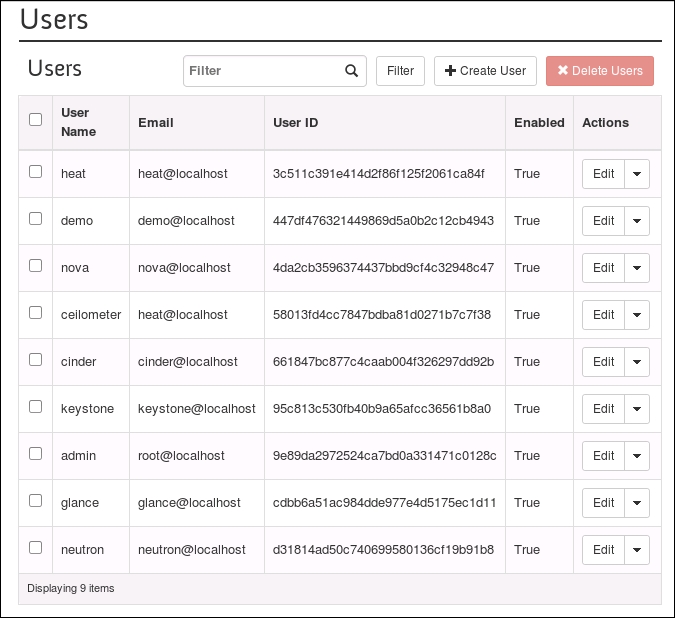
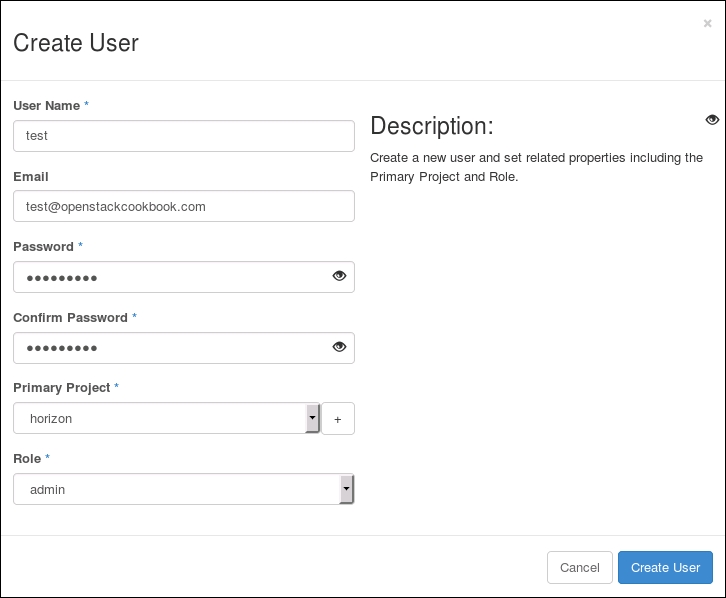
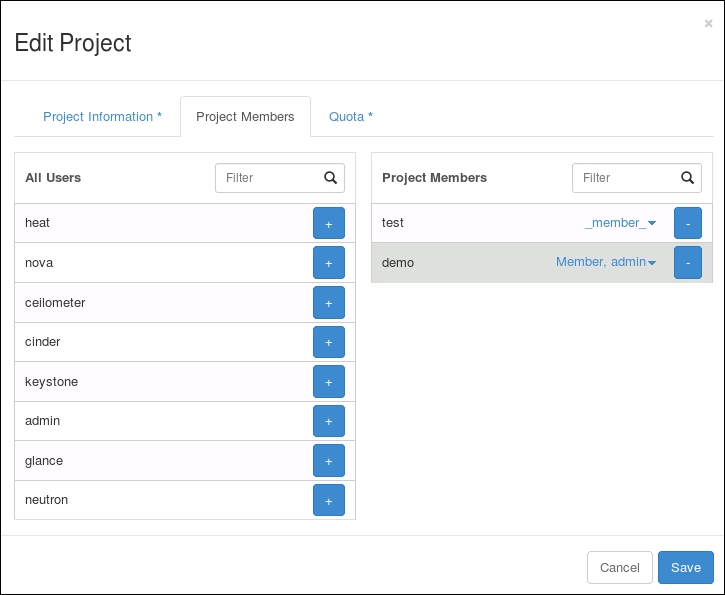
Using OpenStack Dashboard for user management
-
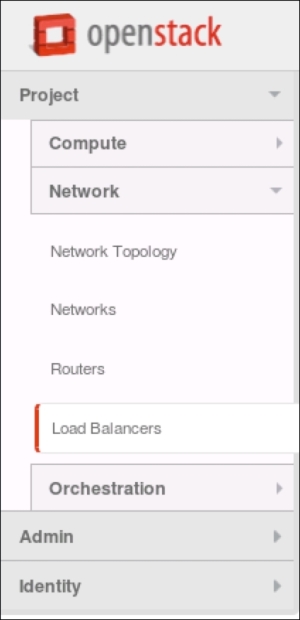
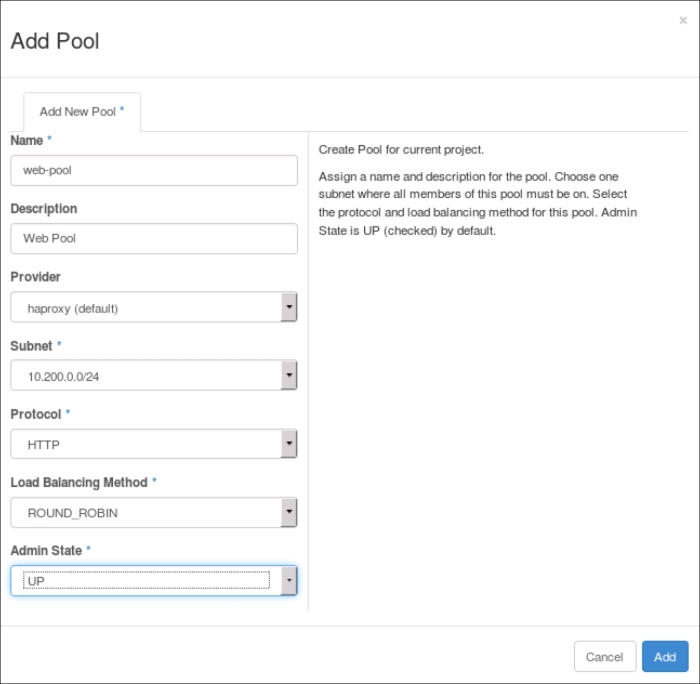
Using OpenStack Dashboard with LBaaS
-
Using OpenStack Dashboard with OpenStack Orchestration
-
-
11: Production OpenStack
-
Chapter 11: Production OpenStack
-
Introduction
-
Installing the MariaDB Galera cluster
-
Configuring HA Proxy for the MariaDB Galera cluster
-
Configuring HA Proxy for high availability
-
Installing and configuring Pacemaker with Corosync
-
Configuring OpenStack services with Pacemaker and Corosync
-
Bonding network interfaces for redundancy
-
Automating OpenStack installations using Ansible host configuration
-
Automating OpenStack installations using Ansible Playbook configuration
-
Automating OpenStack installations using Ansible running Playbooks
-
-
Appendix A: Index